Hierarchy Todo
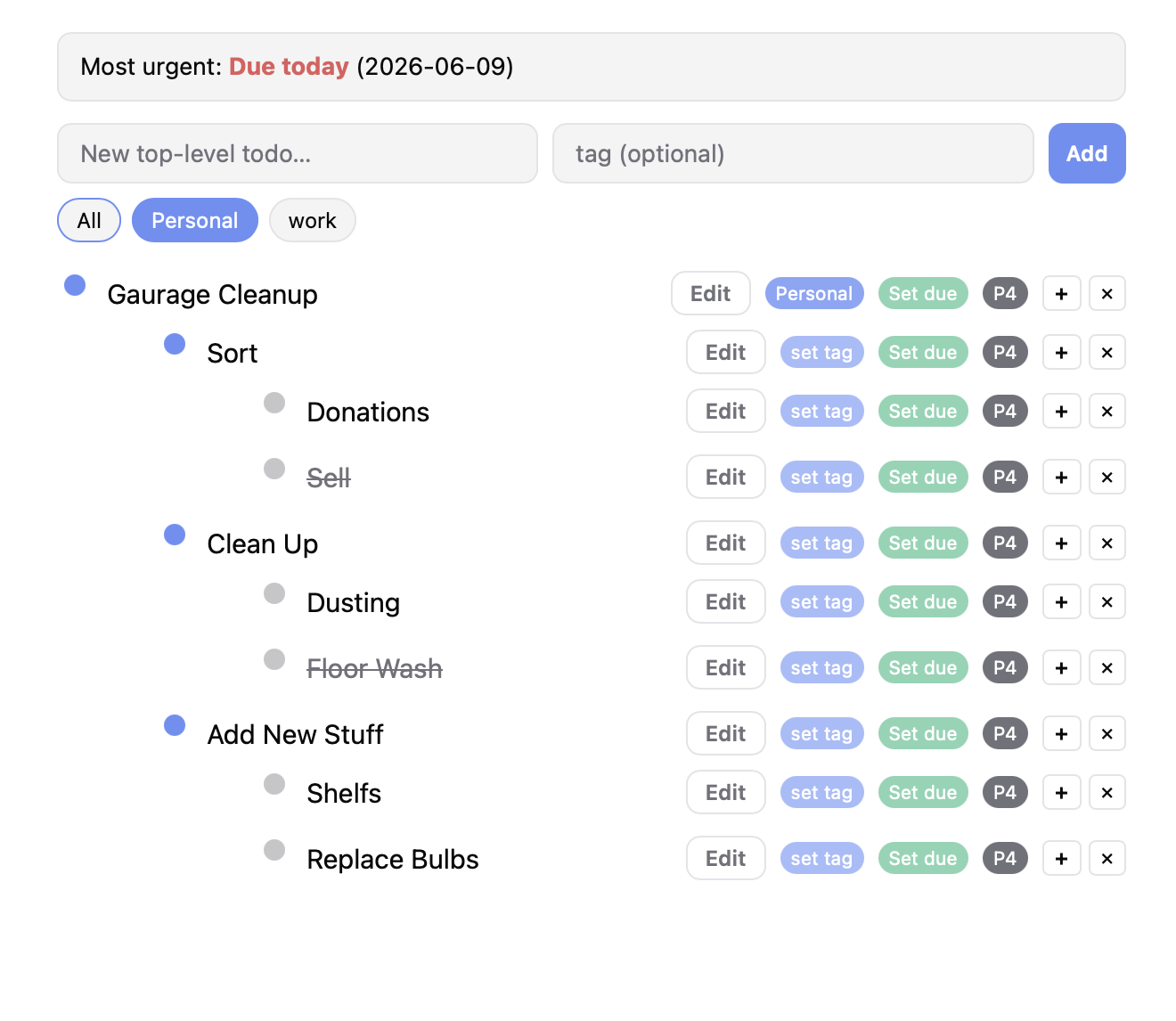
Hierarchical todo app with due dates, tags, priority, and inline editing. Clicking a todo toggles its done state. Completed todos get a virt
Open in Shelf ▸Try in browserHow to use
# How to Use
Adding a Todo
- Type a title in the top input box and optionally a tag (a short label).
- Press Enter or click 'Add' to add a top-level todo.
Editing a Todo
- Double-click the text to edit inline. Press Enter to save, Escape to cancel.
- Click the 'Edit' button to also trigger inline editing.
Completing a Todo
- Click the todo text (not the edit button) to toggle completion.
- Completed todos get strikethrough and automatically appear under the 'completed' tag filter.
Tags
- Each todo can have a single tag (short label). Click the tag badge to edit it.
- Tags appear as filter pills below the add bar. Click a pill to filter todos by that tag.
- 'All' shows everything. 'completed' shows only done items.
- When a parent has a tag, all its children are visible under that filter even if they have no tag.
Due Dates
- Click 'Set due' to pick a date. Overdue items show in red.
- The most urgent due date across all todos is shown in the summary at top.
Priority
- Click the P1-P4 badge to cycle priority. Lower number = higher priority. Items auto-sort by priority.
Hierarchy
- Click the + button to add a child todo.
- Click the dot to collapse/expand children.
- Click X to delete a todo.
Data Persistence
- All data is saved automatically to localStorage. It survives page reloads.