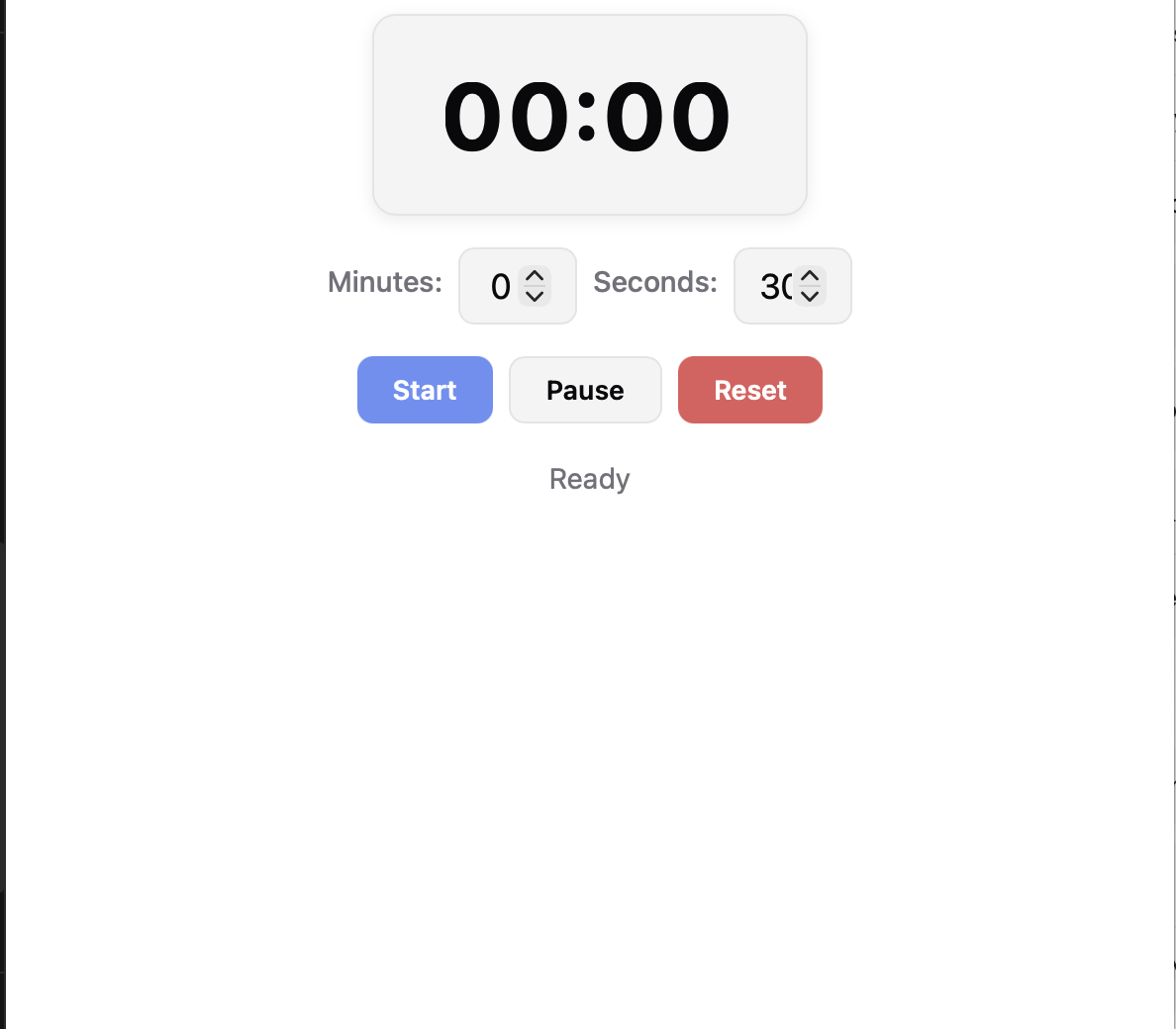
Simple Timer1
A simple countdown timer that persists its state in localStorage (key: 'simple_timer_state'). Users set minutes and seconds, then start/paus
Open in Shelf ▸Try in browserHow to use
# How to Use
Setting the Timer
- Use the Minutes and Seconds input fields to enter a countdown duration (minutes up to 999, seconds 0–59).
- Changes take effect immediately — the display updates as you type.
Controls
- Start — begins the countdown. If paused, resumes from where you left off. If already running, does nothing.
- Pause — pauses the countdown. Press Start to resume.
- Reset — stops the timer and resets the display to the values in the input fields.
Notifications
- When the timer reaches zero, an in-app beep sounds (via Web Audio API).
- An OS notification is also scheduled at the start of each run, so you'll get a system alert even if the app window is hidden or minimised.
Data Persistence
- All timer state (remaining time, running/paused status) is saved to localStorage every second.
- If you close the app and reopen it, the timer resumes exactly where it was (still counting down if it was running).
- If the timer was running when you left, it will continue counting down automatically on load.
Tips
- Input fields are disabled while the timer is running to prevent accidental changes.
- To change the time mid-run, Reset first, then adjust and Start again.
- The status line below the buttons shows: "Ready", "Running", "Paused", or "Time is up!".